

Traveller Saturday and Sunday
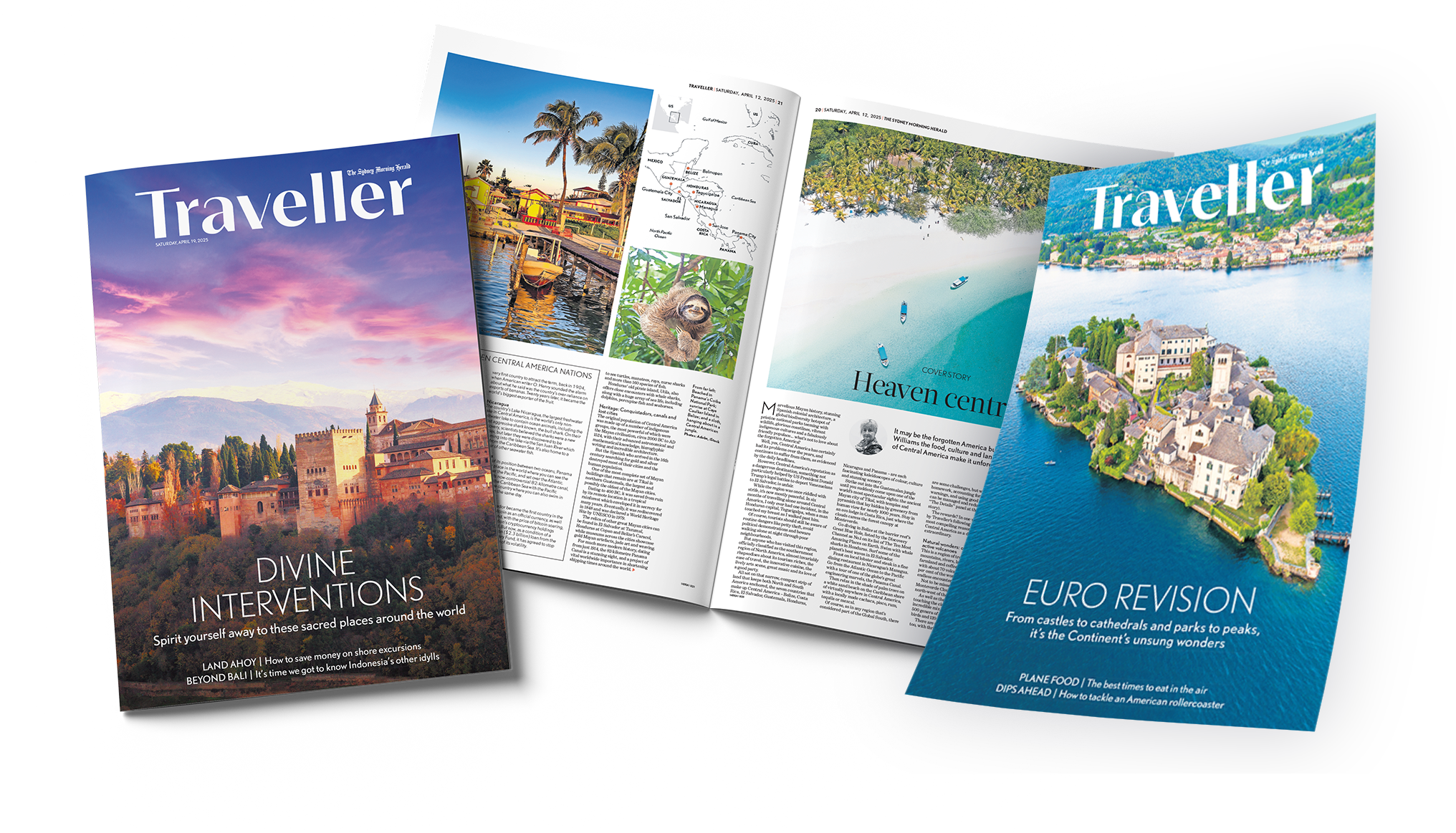
Traveller Saturday and Sunday is inserted into the Sydney Morning Herald, Sun Herald, The Saturday Age and The Sunday Age. It is printed on 40gsm stock standard.
Traveller Magazine
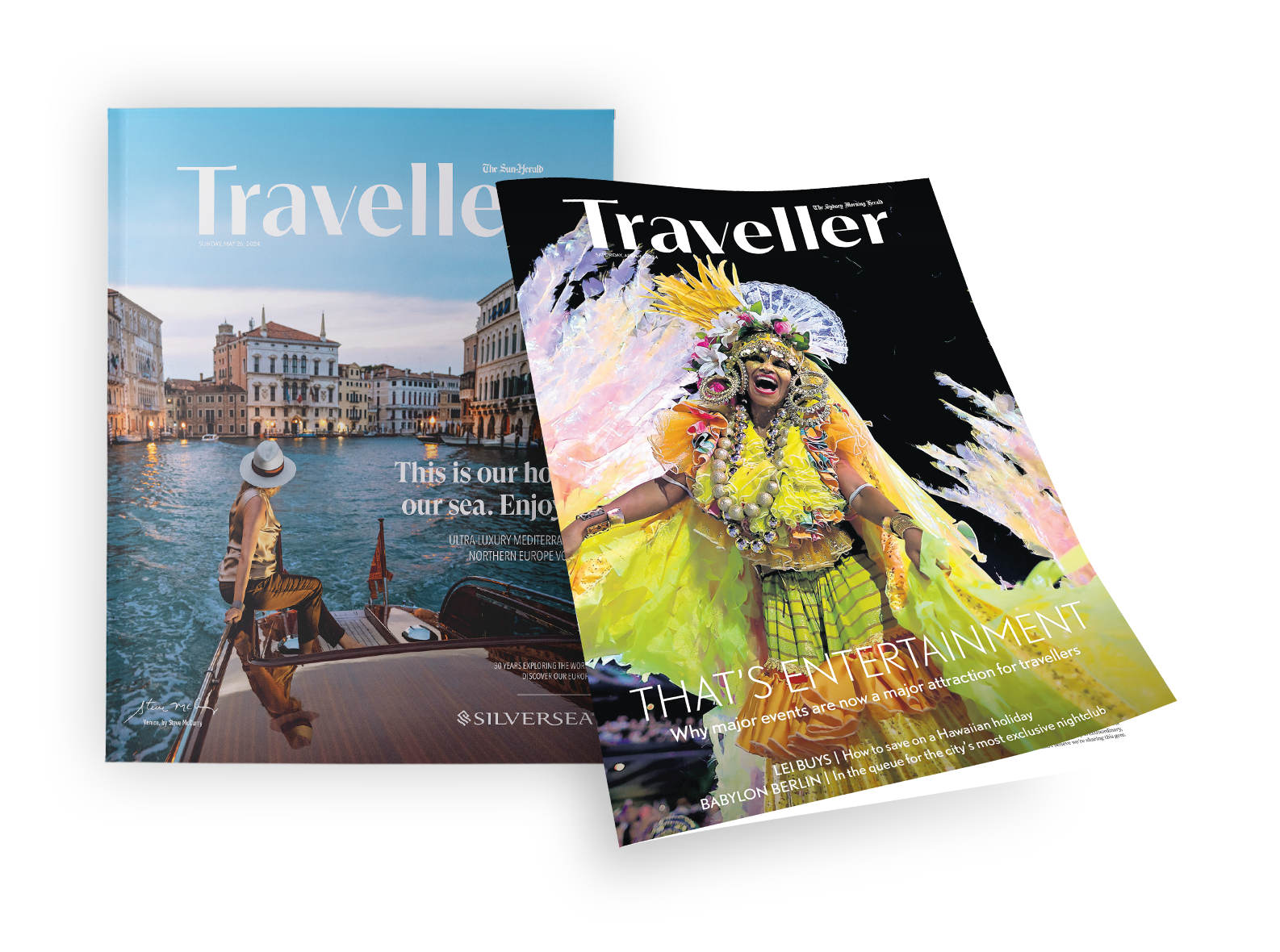
Traveller Magazine is inserted into The Sun Herald and The Sunday Age. It is saddle-stitched, printed on 48.8gsm coldset newsprint.
Finished size - 315mm x 275mm.
Traveller Flagship Magazine
Traveller Flagship Magazine is inserted into The Sun Herald and The Sunday Age. It is saddle-stitched, printed on 75gsm Vantage Stock.
Finished size - 355mm x 278mm.
Mechanical Specifications
Measurements are given in millimetres and are as height x width
All live copy must be kept within the type area; this includes all text, image, keylines and keycodes
Traveller Saturday and Sunday
Please refer to the Newsprint Specification Tabs for The Age and Sydney Morning Herald for the weekend newsprint Traveller editions. These editions use the same specifications.
Traveller Magazine
All pages are to be supplied as single pages and at the bleed size with no crop or colour marks. Do not use fine borders around the edge of a bleed advert (we cannot guarantee the absolute accuracy of trimming).
Traveller Flagship Magazine
All pages are to be supplied at the final bleed size with no crop or colour marks. Do not use fine borders around the edge of a bleed advert (we cannot guarantee the absolute accuracy of trimming).
Mechanical specifications are subject to change without notice.
Non Standard Ad Formats subject to availability; refer to your advertising representative for more information.
Traveller Saturday and Sunday

Full Page
h: 374mm w: 260mm

1/2 Horizontal
h: 186mm w: 260mm

1/4 Strip
h: 92mm w: 260mm

1/2 Vertical
h: 374mm h: 129mm

1/4 Vertical
h: 186mm w: 129mm

Double Page Spread
h: 374mm w: 550mm

Half Page Spread
h: 186mm w: 550mm
Traveller Magazine
Full Page
Type Area h: 295 w: 255m
Trim Size h: 315 w: 275mm
Bleed Area h: 325 w: 285mm
1/2 Horizontal
Type Area h: 133 w: 255mm
Trim Size h: 153 w: 275mm
Bleed Area h: 163 w: 285mm

1/3 Horizontal
Type Area h: 80 w: 255mm
Trim Size h: 100 w: 275mm
Bleed Area h: 110 w: 285mm

Horizontal Strip 30mm
Type Area h: 10 w: 255mm
Trim Size h: 30 w: 275mm
Bleed Area h: 40 w: 285mm
1/2 Vertical
Type Area h: 295 w: 116mm
Trim Size h: 315 w: 136mm
Bleed Area h: 325 w: 146mm

1/3 Vertical
Type Area h: 295 w: 73mm
Trim Size h: 315 w: 93mm
Bleed Area h: 325 w: 103mm
Traveller Flagship Magazine

Full Page
Type Area h: 335 w: 258mm
Trim Size h: 355 w: 278mm
Bleed Area h: 365 w: 288mm

1/2 Horizontal
Type Area h: 153 w: 258mm
Trim Size h: 173 w: 278mm
Bleed Area h: 183 w: 288mm

1/2 Vertical
Type Area h: 335 w: 117mm
Trim Size h: 355 w: 137mm
Bleed Area h: 365 w: 147mm

1/3 Horizontal
Type Area h: 98 w: 258mm
Trim Size h: 118 w: 278mm
Bleed Area h: 128 w: 288mm
1/3 Vertical
Type Area h: 335 w: 74mm
Trim Size h: 355 w: 94mm
Bleed Area h: 365 w: 104mm
Double Page Spread
Type Area h: 335 w: 536mm
Trim Size h: 355 w: 556mm
Bleed Area h: 365 w: 566mm
1/2 Spread
Type Area h: 153 w: 536mm
Trim Size h: 173 w: 556mm
Bleed Area h: 183 w: 566mm

1/3 Spread
Type Area h: 98 w: 536mm
Trim Size h: 118 w: 556mm
Bleed Area h: 128 w: 566mm
Technical Specifications
Creating Your PDF
Documents submitted to Nine Publishing must be saved as a PDF. PDF files must be created with a PostScript application. PDF versions higher than V1.3 are not supported.
Press ready, high resolution PDF files
Save the file as an EPS out of your native program (Acrobat Distiller) and create the PDF
PDFs from Word, Excel, Publisher or Powerpoint are not acceptable
PDFs from Adobe Photoshop are not acceptable
Fully rasterised PDF’s from, or placed in any application are not accepted, due to extremely poor reproduction of fonts
PDFs created from native programs such as InDesign and Illustrator are acceptable
Please use the below link to download our Nine PDF Joboptions, these can be used to create PDFs to Nine Specification. Compatible with native pagemaker applications and Acrobat Distiller
1. Save the Joboptions file to your desktop, by clicking on the link on the left.
2. This can be loaded into Acrobat Distiller and a PDF can be created from an EPS.
In Indesign go to drop down menu file > Adobe PDF presets > Define > load > select the 'NinePublishing' job options file from your desktop > done.
In Illustrator go to drop down menu edit > Adobe PDF presets > Import > load > select the 'NinePublishing' job options file from your desktop > ok.
3. Indesign - To create the PDF go to drop down menu File > Export > Adobe PDF > Save and select 'NinePublishing' from the 'Adobe PDF presets' drop down window window, then click Export.
Illustrator - To create the PDF go to drop down menu File > Save As > Adobe PDF > Save and select 'NinePublishing' from the 'Adobe PDF presets' drop down window window, then click Save PDF..
This will output the file using the Nine Publishing specifications and create a 1.3 version PDF.
Delivery Methods
Please note; we do not accept material directly via email. For a full list of acceptable delivery methods refer to Delivery Methods.
Material Deadlines
For information on material deadlines for Traveller Magazine, please review the table below.